Automating Comments and Messages on Instagram: How to Save Time
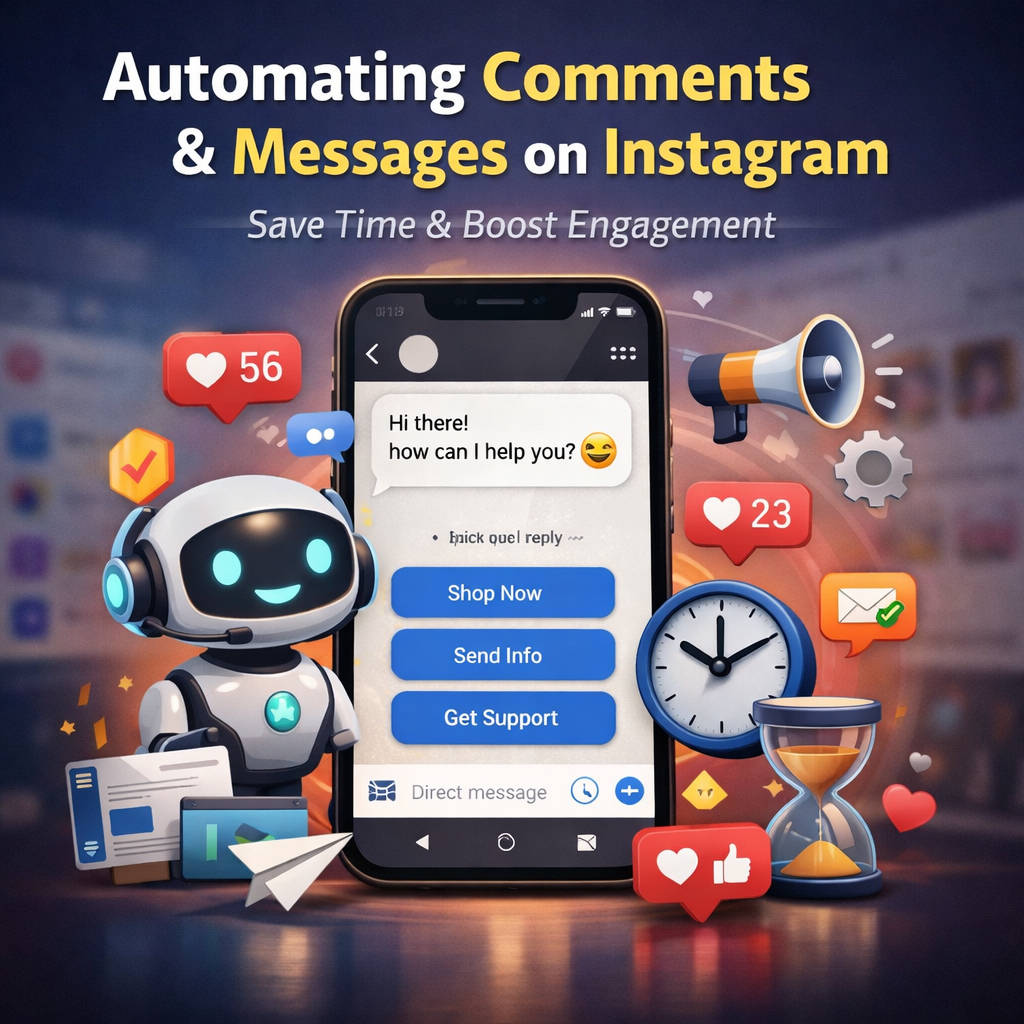
In today’s digital world, social media plays an essential role in both personal and business growth. Instagram, as one of the most popular platforms, has millions of users worldwide, making it a prime avenue for brands, influencers, and businesses to engage with their audience. However, with the growing number of followers, managing comments and messages can become overwhelming. This is where automation comes into play. By automating comments and messages on Instagram, businesses and individuals can save time, streamline their communication, and improve their overall social media strategy. In this article, we’ll explore the benefits of automating comments and messages on Instagram, the tools available, and tips on how to do it effectively.
Why Automating Instagram Comments and Messages Is Essential
Social media management can be time-consuming, especially when your Instagram account grows, and you start receiving hundreds of comments and direct messages (DMs) daily. While personal interaction is critical, responding to each comment and message individually takes a lot of time, which could be better spent on strategic tasks such as content creation or brand development. This is where automation steps in.
- Time-Saving: Automating responses to common comments and messages frees up valuable time. Instead of manually replying to every message or comment, automation allows you to set up predefined responses, ensuring that you stay engaged without the time commitment.
- Consistency: Automation ensures that your responses are consistent, maintaining your brand voice across all interactions. This is particularly important for businesses or influencers who need to adhere to a specific tone.
- 24/7 Availability: Since Instagram is a global platform with users across different time zones, it’s impossible to always be available to respond. Automation allows you to provide immediate responses at any time, even when you are offline.
- Improved Engagement: Timely responses help maintain engagement and foster stronger relationships with your followers. Automated replies can acknowledge comments or messages right away, making followers feel heard.
- Better Lead Generation: For businesses, automated comments and DMs can be used to nurture leads. By creating personalized automated responses, you can guide potential customers through the sales funnel without manually doing so for each inquiry.
Tools for Automating Comments and Messages
Several tools and platforms are available that help automate Instagram comments and messages. These tools can manage your interactions, saving you time and improving the efficiency of your social media engagement.
- Instagram’s Native Auto-Reply FeatureInstagram has recently introduced a native auto-reply feature within its platform for business accounts. With this feature, users can create quick replies to respond automatically to common questions, such as business hours, shipping information, or FAQs. Although it’s a simple tool, it’s ideal for handling repetitive inquiries without needing a third-party app.
- ManyChat
ManyChat is a popular tool that specializes in automating Instagram DMs, comments, and more. With its powerful chatbot system, it allows businesses to engage with their followers through automated conversations. You can set up welcome messages, answer frequently asked questions, and even integrate it with your sales funnel to qualify leads. ManyChat is user-friendly and integrates seamlessly with Instagram’s API. - MobileMonkey
MobileMonkey is another automation tool that allows for Instagram DM automation, as well as automated responses to comments. It provides users with the ability to set up automated workflows that trigger specific actions based on certain keywords. For instance, if a user comments “buy now” on a product post, MobileMonkey can send a follow-up message with a link to your store or website. - Instazood
Instazood is a comprehensive automation tool that helps automate actions on Instagram, including auto-commenting, auto-following, and sending direct messages. It allows you to create personalized messages and comments based on user actions. Instazood helps save time by automating these interactions and enhancing user engagement. - SocialBee
SocialBee is a social media management platform that helps automate Instagram comments and messages. It offers a wide range of automated actions, such as scheduling posts, responding to comments, and sending DMs. SocialBee also allows for advanced targeting, ensuring that your messages reach the right audience at the right time.
How to Automate Instagram Comments and Messages
Setting up automation for Instagram comments and messages might seem complex, but the process is relatively simple with the right tools. Here’s a step-by-step guide on how to automate Instagram comments and messages effectively:
Step 1: Choose Your Automation Tool
First, choose an automation tool based on your needs. If you’re just looking for simple auto-replies for messages, Instagram’s native feature may suffice. However, for more advanced automation, tools like ManyChat or MobileMonkey offer a broader range of features. Make sure the tool you select supports Instagram automation.
Step 2: Identify Frequently Asked Questions or Common Comments
Before setting up automation, analyze your previous posts and DMs to identify frequently asked questions (FAQs) and common comments. These may include inquiries about products, services, prices, business hours, or delivery information. Once you know the types of messages you often receive, you can craft automated responses tailored to each situation.
Step 3: Set Up Automated Messages and Comments
Once you’ve identified the content that requires automation, you can set up automated messages or comments. In ManyChat, for instance, you can create a workflow that sends an instant reply when someone messages you. Similarly, you can create predefined comment responses for your posts, such as “Thanks for your comment!” or “Click the link in bio for more info.” Tools like MobileMonkey allow you to automate these responses based on keywords, ensuring that they’re contextually relevant.
Step 4: Personalize Your Responses
Personalization is key to maintaining engagement. While automation saves time, your responses should still feel authentic. Use variables such as the user’s name or their specific inquiry to create a sense of personal interaction. ManyChat and MobileMonkey allow you to include these variables in your automated responses, making the automation feel less robotic.
Step 5: Monitor and Optimize Automation
After implementing your automated system, monitor its performance. Look at how users are responding to the automated messages and if any issues arise. For instance, if a particular automated message receives negative feedback, consider tweaking the tone or providing additional information. Automation should complement your overall social media strategy, so continuous optimization is essential.
Best Practices for Automating Instagram Comments and Messages
While automation can be a huge time-saver, it’s important to use it wisely to avoid alienating your audience. Here are some best practices for automating Instagram comments and messages:
- Avoid Over-Automating
Don’t rely too heavily on automation. While it’s helpful for common queries, over-automation can make your brand seem impersonal. Make sure to engage with followers manually from time to time, especially for more complex or personalized interactions.
- Keep It Friendly and Engaging
Even if your responses are automated, they should still be friendly, engaging, and aligned with your brand’s tone. Avoid making your responses sound robotic, as this can turn followers off. - Use Automation for Lead Generation
Automation can be an effective tool for qualifying leads. For example, if someone expresses interest in your product, you can automate a message asking for more details or offering a discount code. This can help move users down your sales funnel without manual intervention. - Ensure Your Responses are Relevant
Use keyword-based automation sparingly. If your automated system responds with irrelevant messages, it can annoy users. Make sure your automated responses are tailored to the specific comment or message received. - Regularly Update Your Automation Settings
Social media trends and audience preferences evolve. Regularly review and update your automation settings to keep them aligned with your current marketing goals.
Conclusion
Automating Instagram comments and messages is a powerful way to save time, increase engagement, and enhance your social media strategy. By choosing the right tools and using them effectively, businesses and influencers can streamline their communication, provide quicker responses, and maintain a consistent brand voice. While automation is incredibly useful, it’s important to balance it with personal interaction to ensure that your audience feels valued and heard. By implementing the right automation strategies, you can focus more on creative tasks while maintaining a strong connection with your followers.